/app-maintenanceApp maintenance — iOS · Android
App maintenance
Every year brings a new iOS and new store requirements: we maintain your app so it keeps working, updating and improving.
 PattioYour digital shoebox.Live
 LogicGlowFive short games a day.Live
 FactShotTwelve new facts a day.Live
 WordShotFive new words a day, on cards.Live
 StratoYour metrics and workouts, read calmly.Live
 CucutAn alarm that doesn’t stop with a button.Live
Definition
What is app maintenance?
App maintenance is the work that keeps a mobile app alive after launch: adapting it to each new version of iOS and Android, keeping its dependencies up to date, fixing bugs, meeting new App Store and Google Play requirements and publishing new versions. Without it, an app stops working properly or can no longer be updated.
What’s included
The core of it
New iOS and Android
We check permissions, notifications and screens on each new system and ship if needed.
Dependencies kept current
React Native, Expo and libraries, updated together and tested.
Bugs fixed
Reproduced, fixed and shipped; JavaScript fixes can skip the store.
Store requirements
Privacy, build tools and new rules, so you can keep publishing.
Improvements
New features, copy, languages and store screenshots when the app changes.
Technical audit
What about your app’s website?
Our technical audit checks the security, accessibility and performance of the website where you present the app.
Who it’s for
It’s for you if
- It’s live and you don’t want it falling behind.
- Whoever built it has moved on, or has no time.
- A new iOS or Android release has broken something.
It’s not for you if
- You need a website maintained: Somia Digital handles that.
- You only call when it breaks: maintenance means looking first.
How we work
Step 1: We review
How the app is built, which versions it runs and what’s failing.
Step 2: We update
Dependencies, build tools and store requirements, tested before anything is published.
Step 3: We publish
A new store version or, for JavaScript, an over-the-air update.
Step 4: We keep watch
Every new iOS and Android, new bugs and agreed improvements.
What we maintain it with
The tools that keep Pattio, FactShot and Strato up to date.
- React Native and Expo
- Hot Updater
- Expo Notifications
- Vitest
- App Store Connect
What we use each tool for
- React Native and Expo
- The published apps, on the same version.
- Hot Updater
- Over-the-air (OTA) updates for JavaScript fixes.
- Expo Notifications
- Push notifications, checked against every system release.
- Vitest
- Automated tests for the app’s code.
- App Store Connect
- Builds, screenshots, listings and Apple’s review.
Live
Apps live and up to date
Pattio, LogicGlow, FactShot, WordShot, Strato and Cucut are on the App Store, all on the same Expo version.
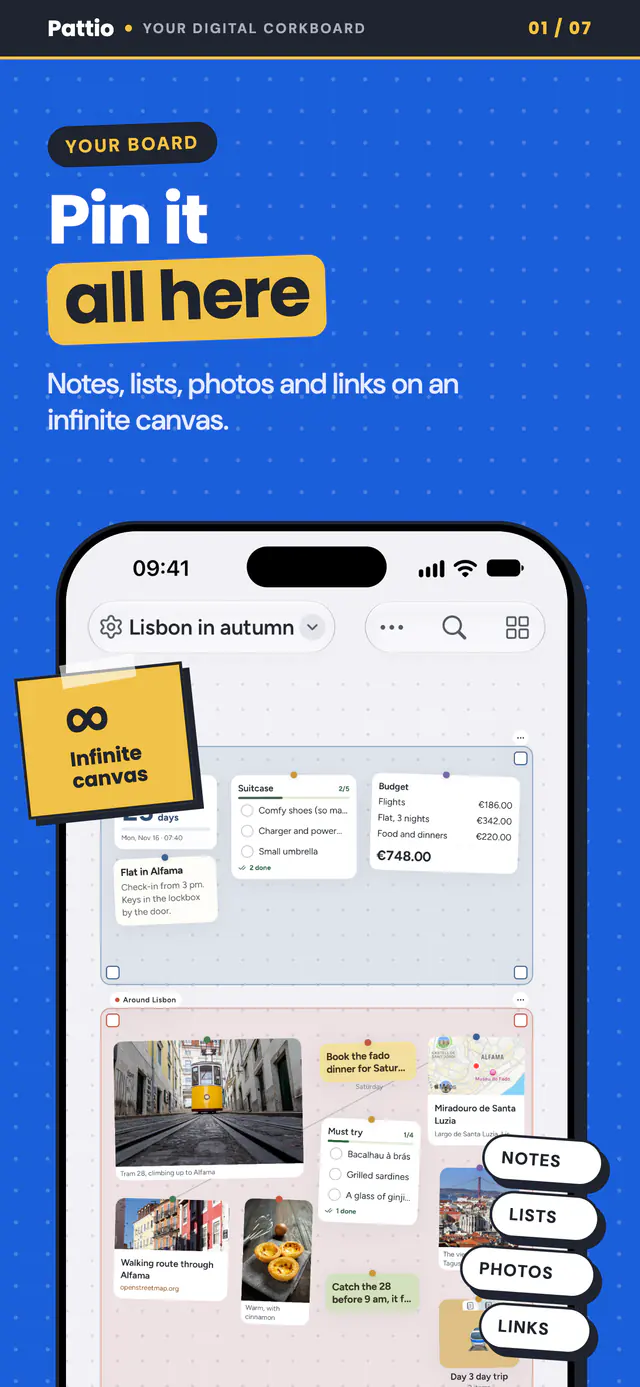
PattioYour digital shoebox. 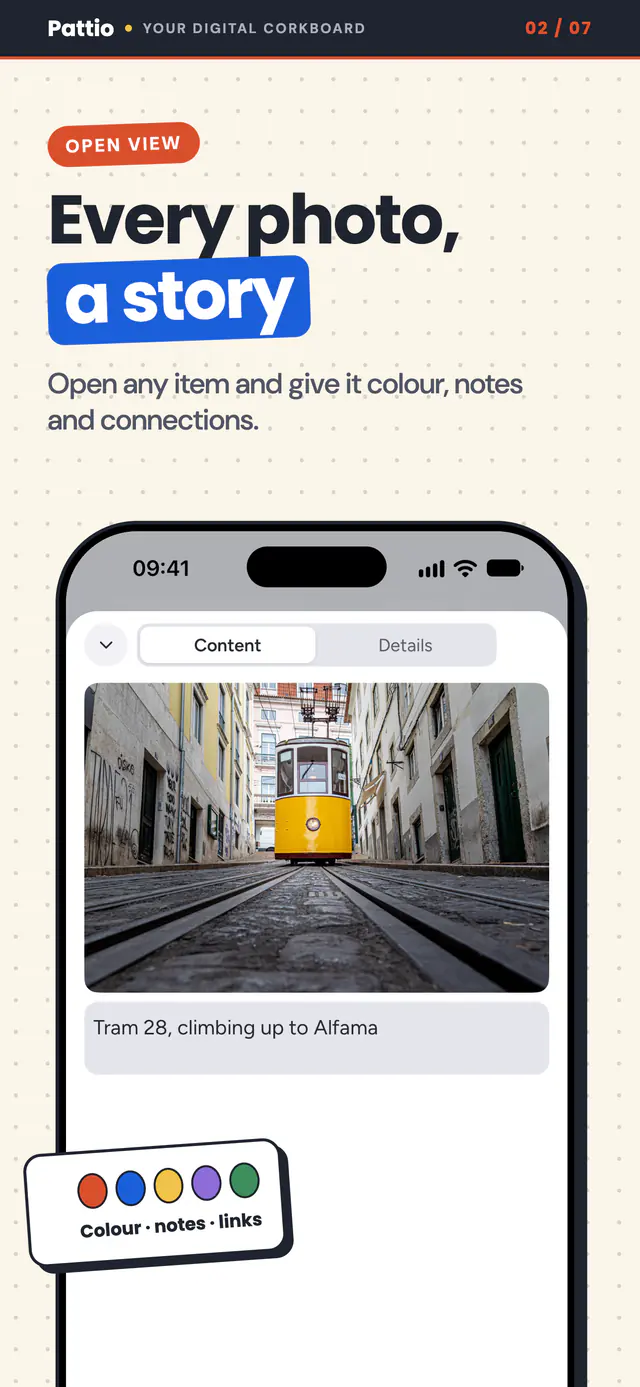
Pattio 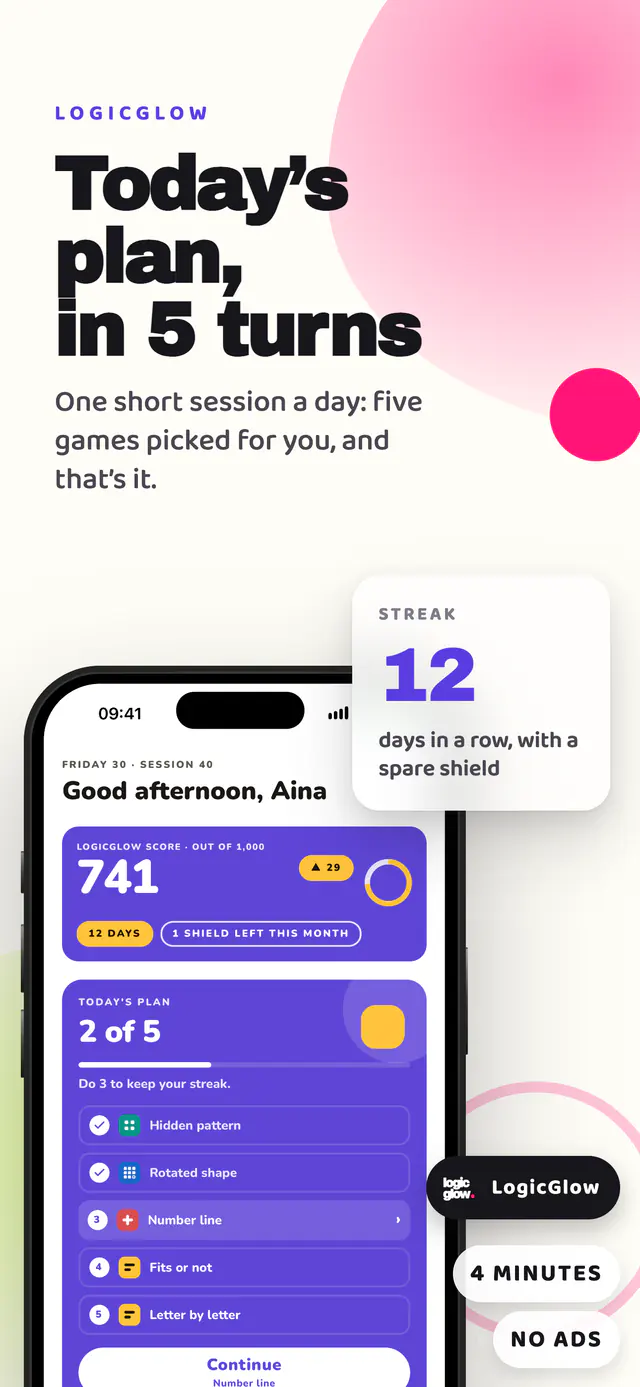
LogicGlowFive short games a day. 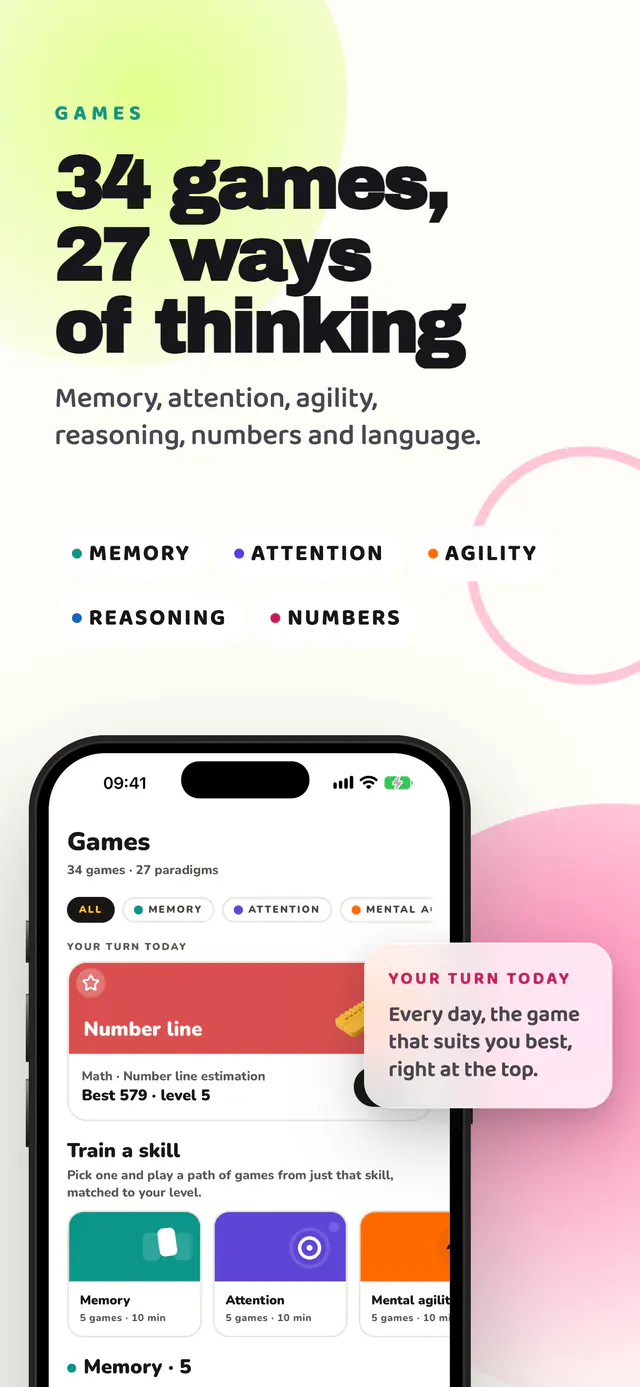
LogicGlow 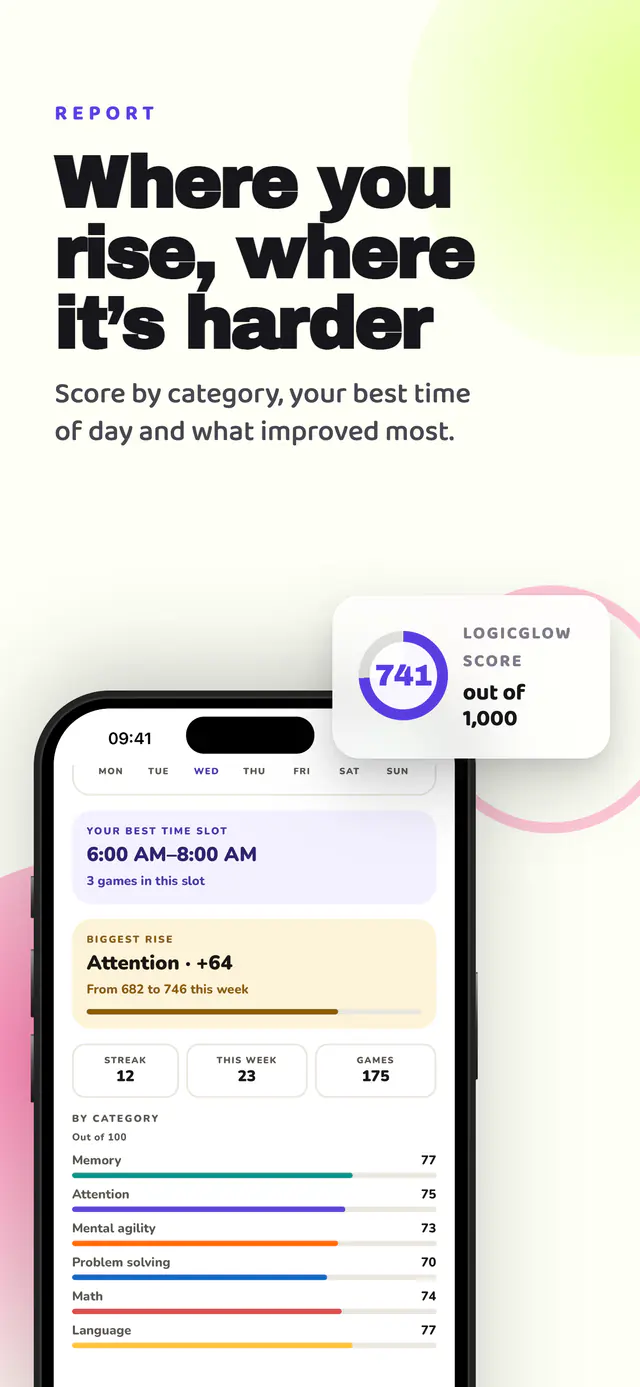
LogicGlow 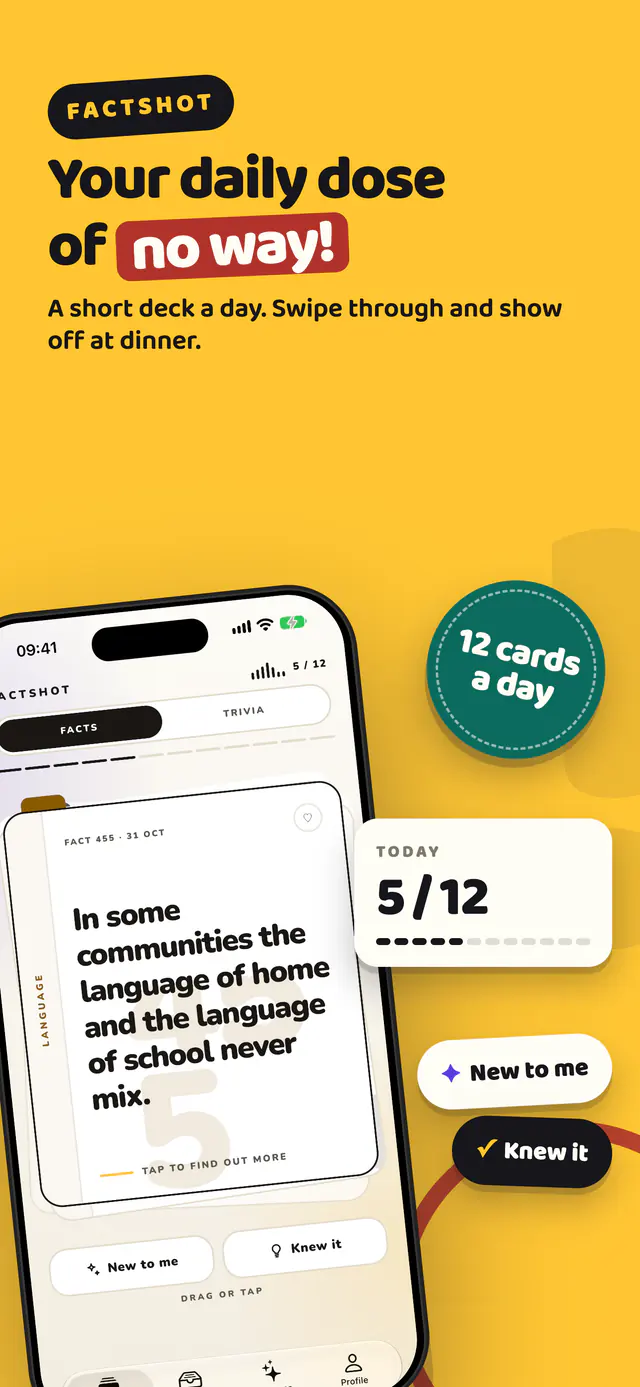
FactShotTwelve new facts a day. 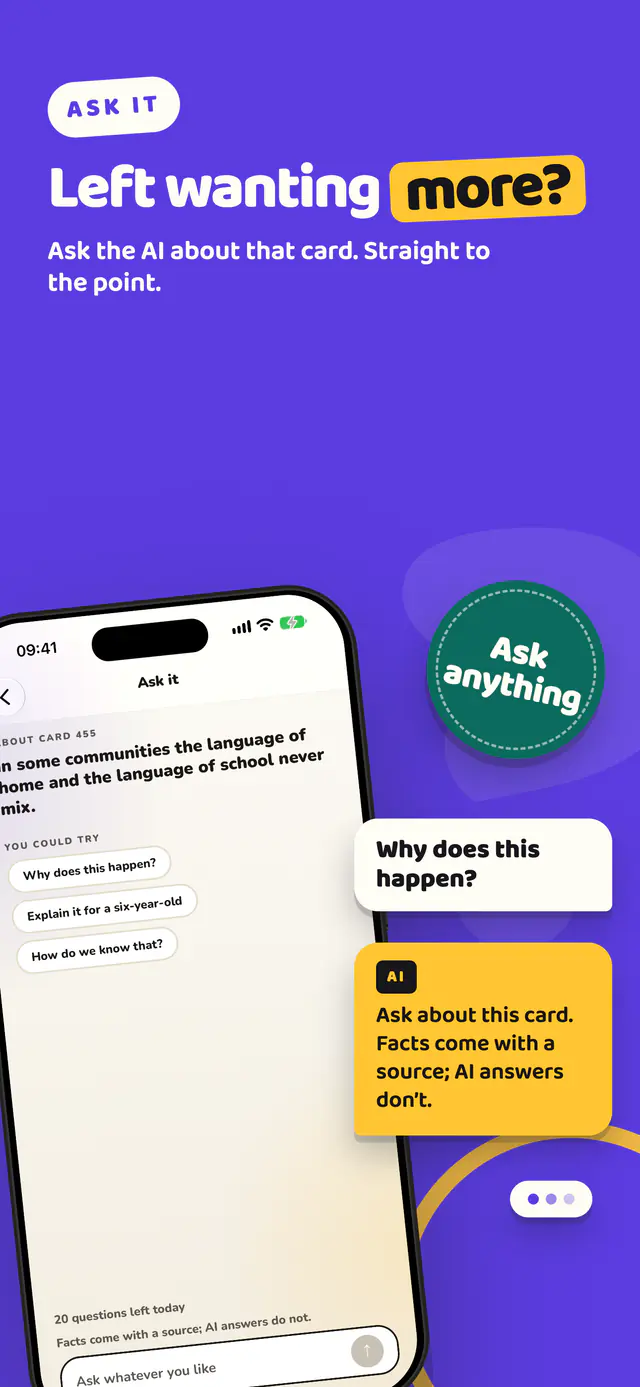
FactShot 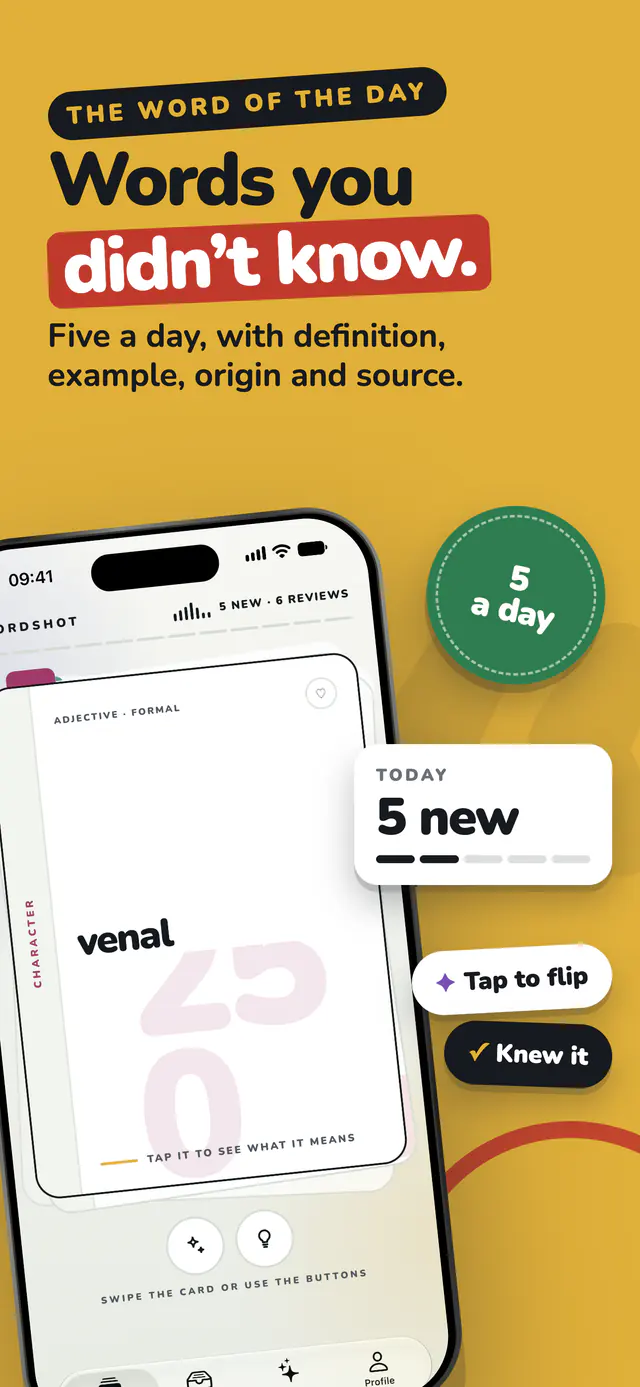
WordShotFive new words a day, on cards. 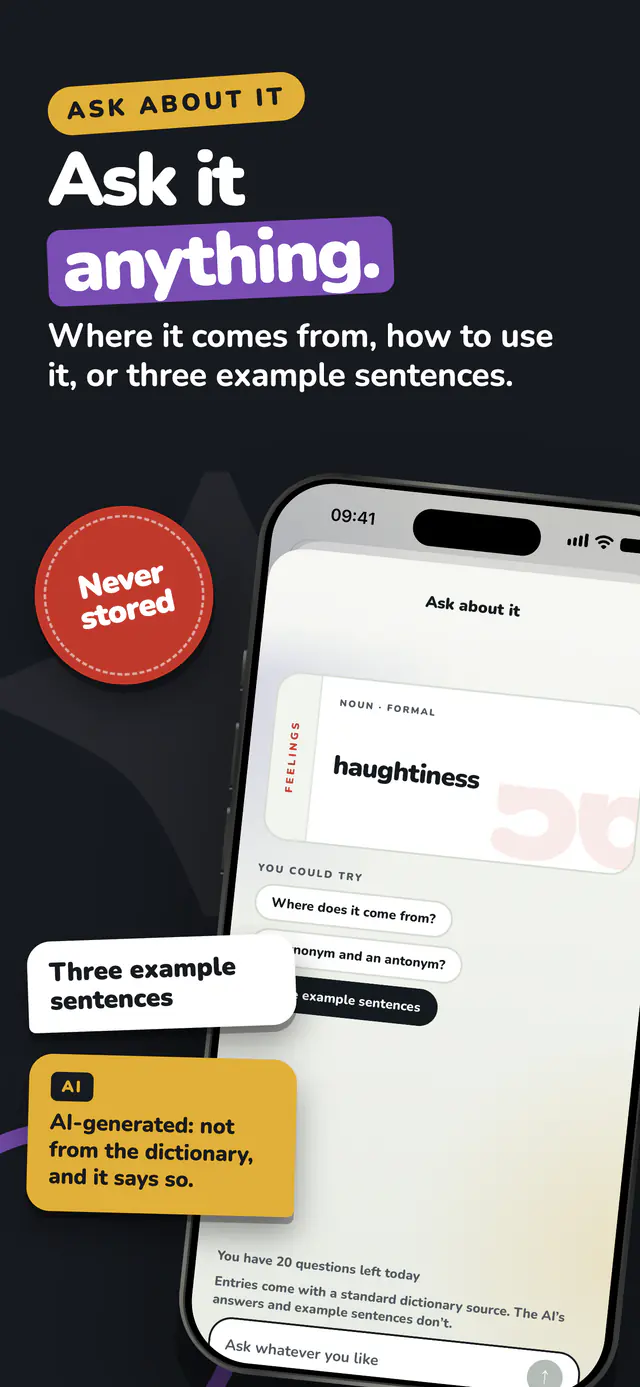
WordShot 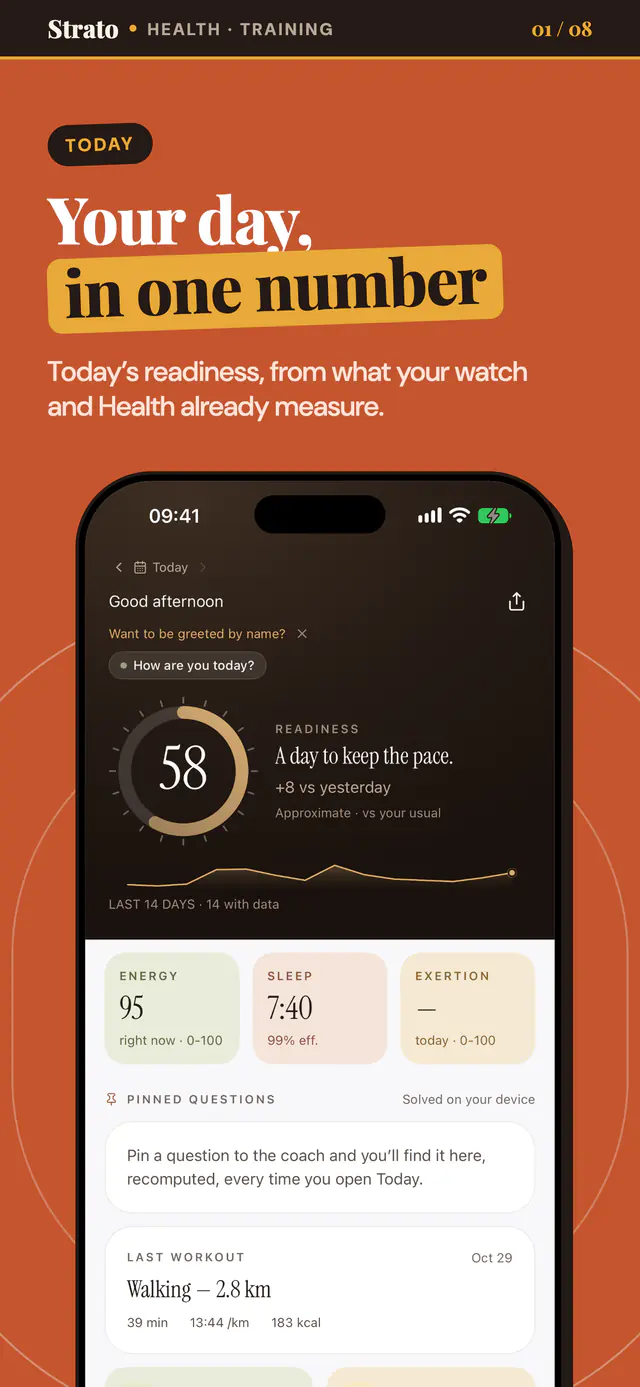
StratoYour metrics and workouts, read calmly. 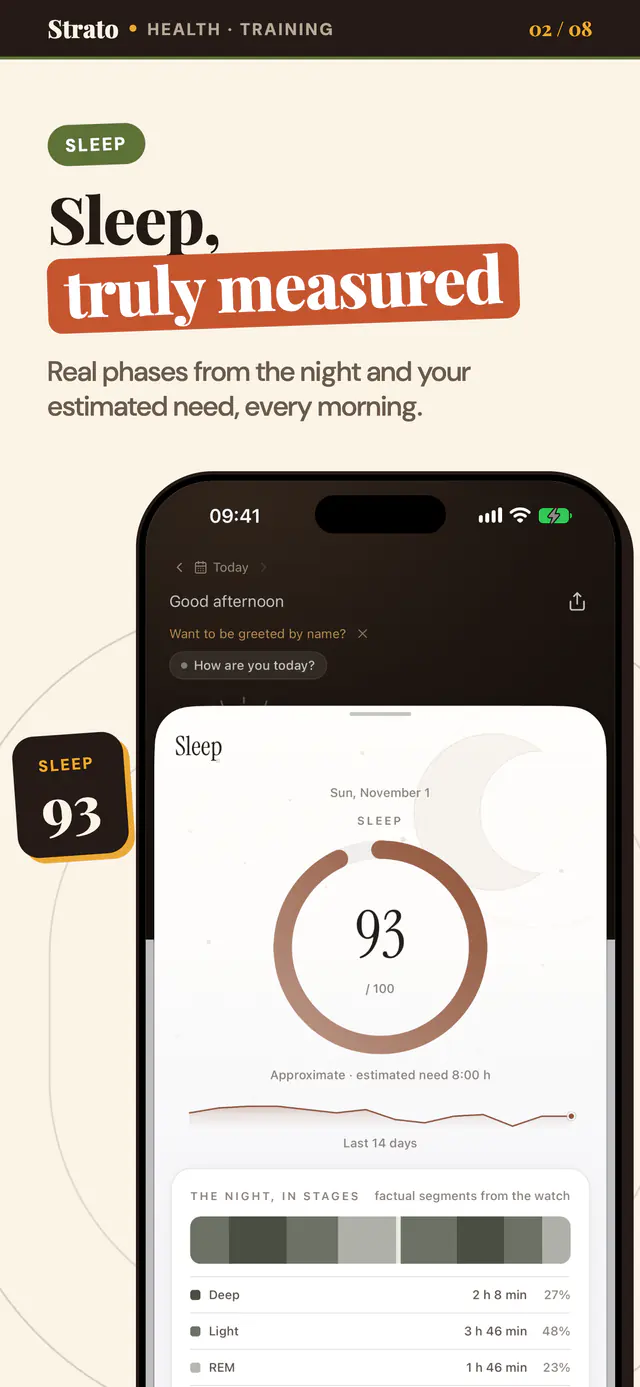
Strato 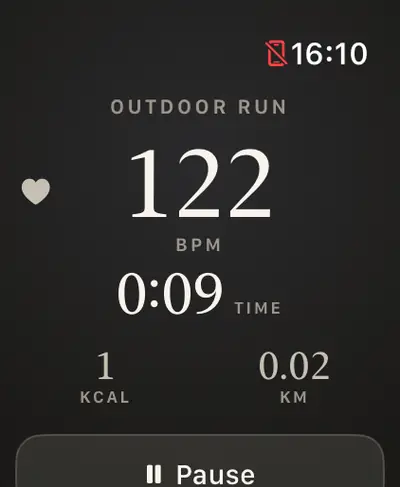
Strato 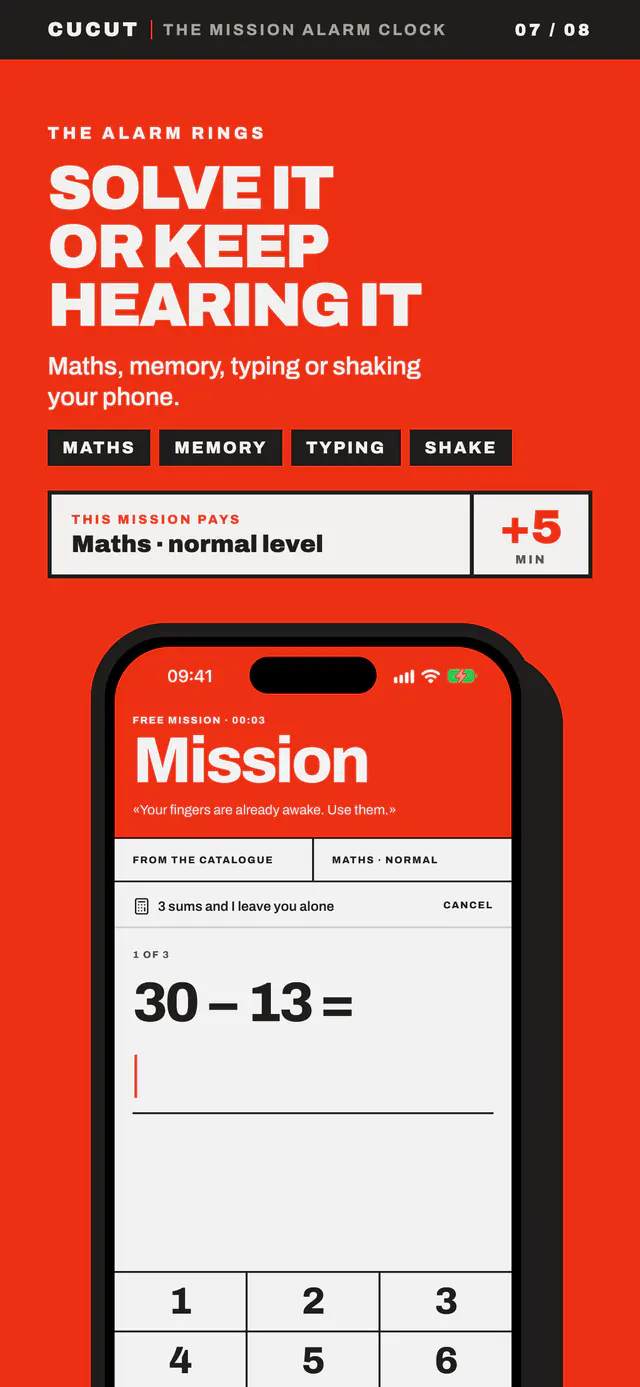
CucutAn alarm that doesn’t stop with a button. 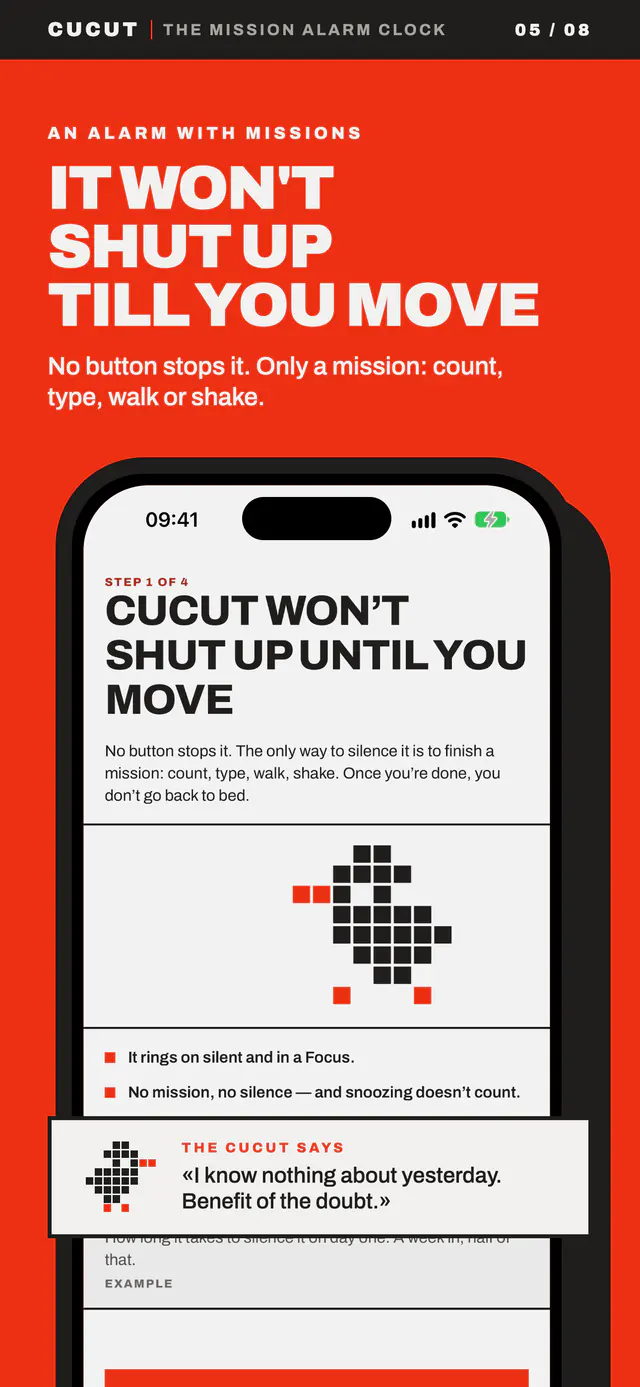
Cucut 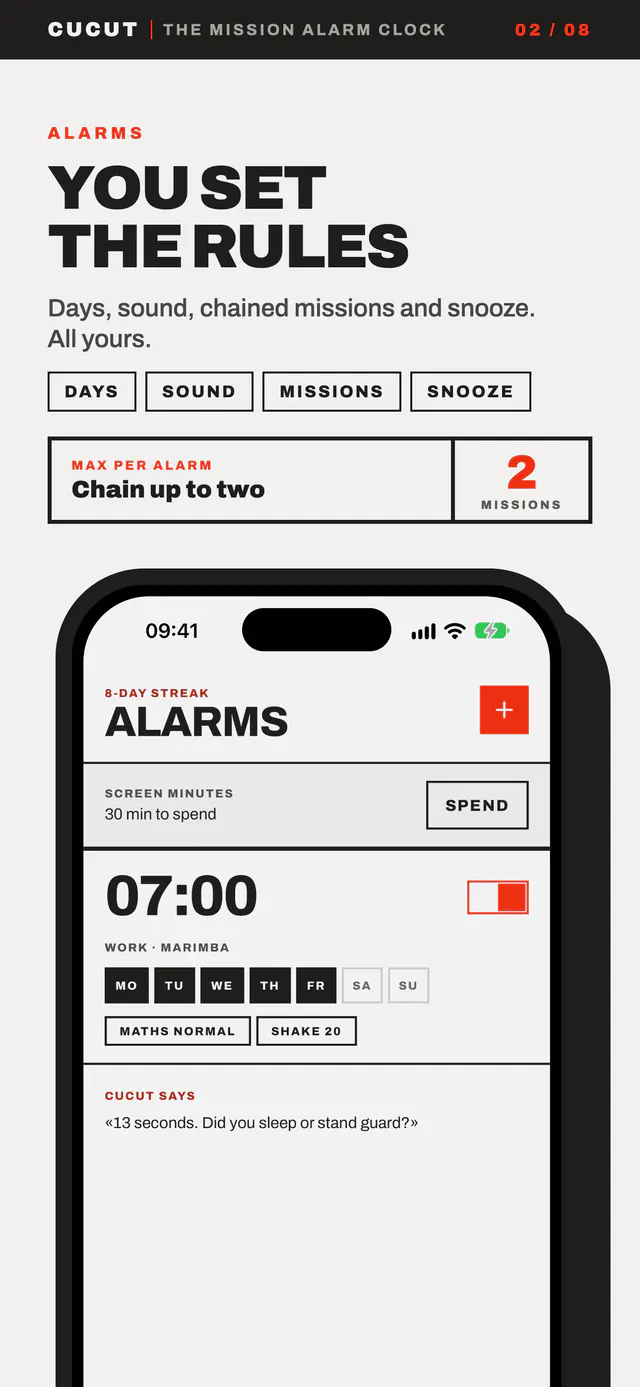
Cucut
Further reading
Store release or over-the-air update
A fix can reach an app in two ways. If it touches native code, permissions or the Expo version, a new build has to be compiled and go through App Store and Google Play review. If it’s a JavaScript change (some copy, a screen, a logic bug), it can arrive as an over-the-air (OTA) update: the app downloads it by itself, without going through the store. Pattio, Strato and the other published apps have both routes, and we pick the right one for each change. Store rules set the limit: an OTA update fixes things, it doesn’t change what the app is for.
Frequently asked questions
Do you maintain apps you didn’t build?
Yes, especially if they’re built with React Native and Expo. We first review the code, the versions and how it’s published, and tell you what needs updating before we start.
Does every fix have to go through the store?
No. If the change is JavaScript, it can arrive as an over-the-air (OTA) update. If it touches native code, permissions or the Expo version, it needs a new version and Apple’s and Google’s review.
What if a new iOS release breaks the app?
We check the app against every new version of iOS and Android, ideally before it reaches users. If something breaks, it’s the first thing we fix.
Does maintenance include new features?
It can. We agree with you what’s covered: just keeping it current and fixing bugs, or improvements and new features as well.
What do you need to get started?
Access to the code, to the App Store and Google Play accounts and, if there is one, to the server. With that we review where things stand and tell you what to do first.
First stepApp maintenance
Does your app need a check-up?
Tell us what it’s built with and what worries you, and we’ll say where to start.