/connected-ai-mcpArtificial intelligence — data · tools
AI connected to your tools
Assistants that look up your company’s data, documents and apps, and get work done in them with clear permissions.
Definition
What is connected AI?
Connected AI is an assistant that, as well as answering, uses tools: it looks up a company’s data, documents and apps and takes specific actions in them, such as searching the catalogue or logging an order. To connect it we use MCP (Model Context Protocol), an open standard, or each app’s API, with defined permissions for each tool.
Customer: Do you have the folding chair in blue?
Assistant: Yes, we still have it in blue. Here’s the product card:
Catalogue
Folding chair
Wood and steel · blue, green or grey
Assistant: Would you like the team to set one aside? Leave me your name and a phone number.
What’s included
The core of it
Tools built for you
Search the catalogue, check a status or log an order: one job per tool.
Connected to your tools
The documents and apps you already use, without switching software.
Permissions and confirmations
What it reads, what it changes and what needs a person’s go-ahead.
Your data, live
Databases, spreadsheets or APIs: it reads what it needs, without copying everything.
Action log
Every lookup and action is logged, for review and improvement.
Technical audit
Before you connect anything
Our technical audit checks the security of your website, your domain and your hosting.
Check your securityWho it’s for
It’s for you if
- Your team checks the same data in different tools daily.
- You want the assistant to check stock or an order.
- You want it to log orders or bookings without retyping them.
It’s not for you if
- You just want a site chat: Somia Digital does that.
- You want AI deciding irreversible things on its own.
How we work
Step 1: We pick the actions
What it looks up or does, and what it must never touch.
Step 2: We connect
Tools over MCP or direct calls, with permissions for each one.
Step 3: We test
With real cases and deliberate mistakes, before opening it to anyone.
Step 4: We follow up
What it uses, where it errs and what to add.
What we connect it with
An open standard and the models we already use.
- Gemini, Claude and ChatGPT
- MCP
- Next.js and Netlify Functions
- TypeScript
- Supabase Edge Functions
What we use each tool for
- Gemini, Claude and ChatGPT
- Tool-calling models; if one fails, another carries on.
- MCP
- The open protocol linking assistants, data and tools.
- Next.js and Netlify Functions
- Server-side; keys never reach the browser.
- TypeScript
- Every tool, with validated fields.
- Supabase Edge Functions
- Tools right next to the data, with keys and limits.
Live
An assistant that already uses tools
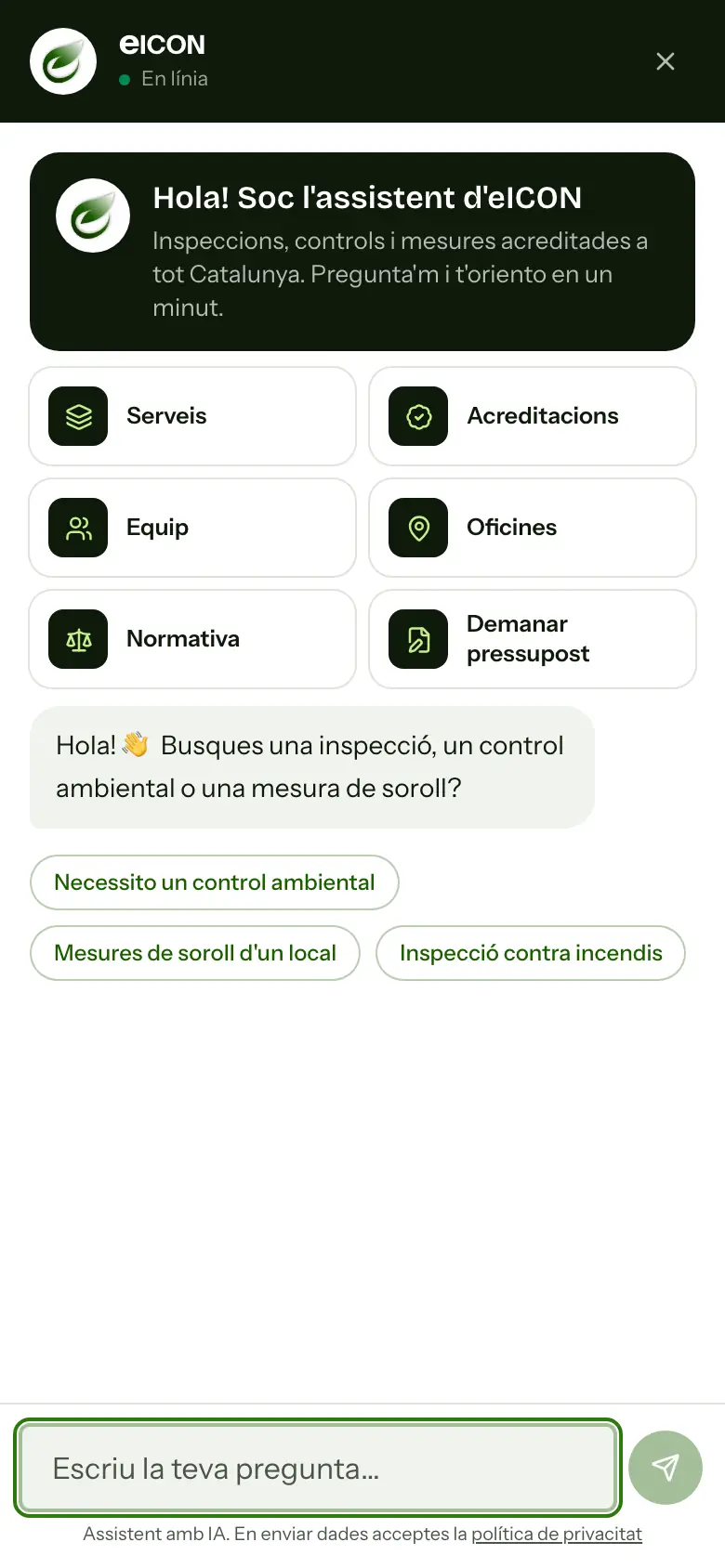
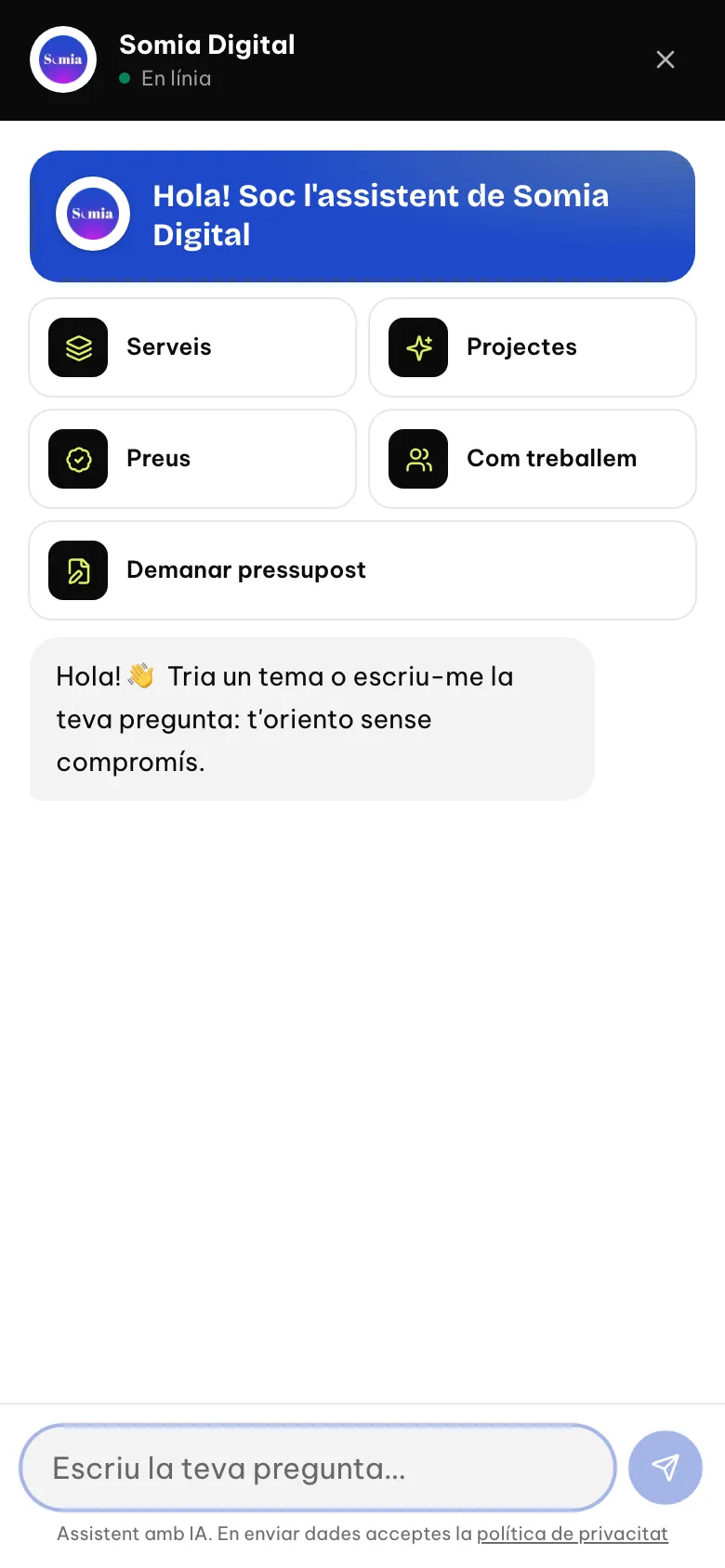
This site’s chat shows cards, opens pages and collects contact details; eICON’s and Somia Digital’s work the same way.
Cards
Shows services or projects with an image and a link, instead of a list of text.
Details
Opens a service in detail: what it includes and how we do it.
Lists
On the Somia Digital chat: steps, checks or options, in order.
Calculator
On the Somia Digital chat: a rough estimate from the figures you give it.
Contact
Asks for a name and phone number only if the visitor wants, and sends us a summary of the chat.
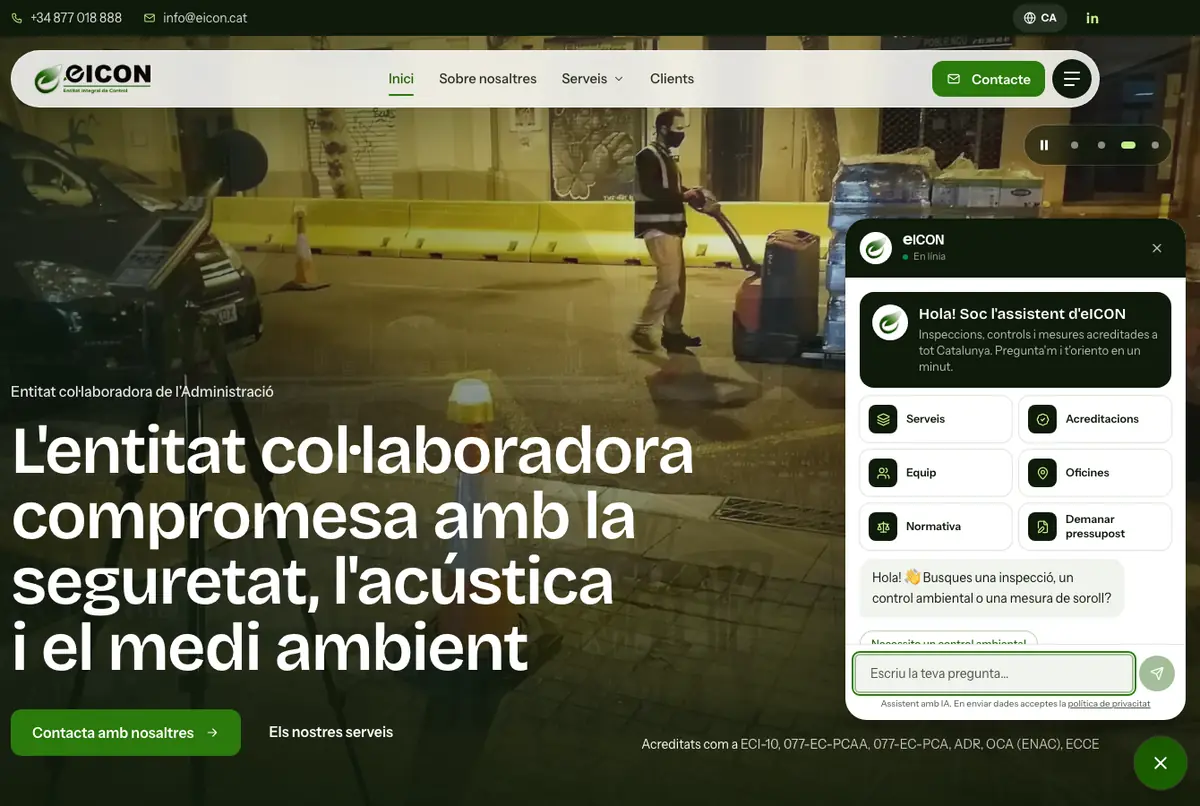
eICONAccredited control, inspection and verification body in Catalonia.Greets the visitor and points them in minutes to services, accreditations, team, offices and regulations, or on to requesting a quote.Visit the website(opens in a new tab) 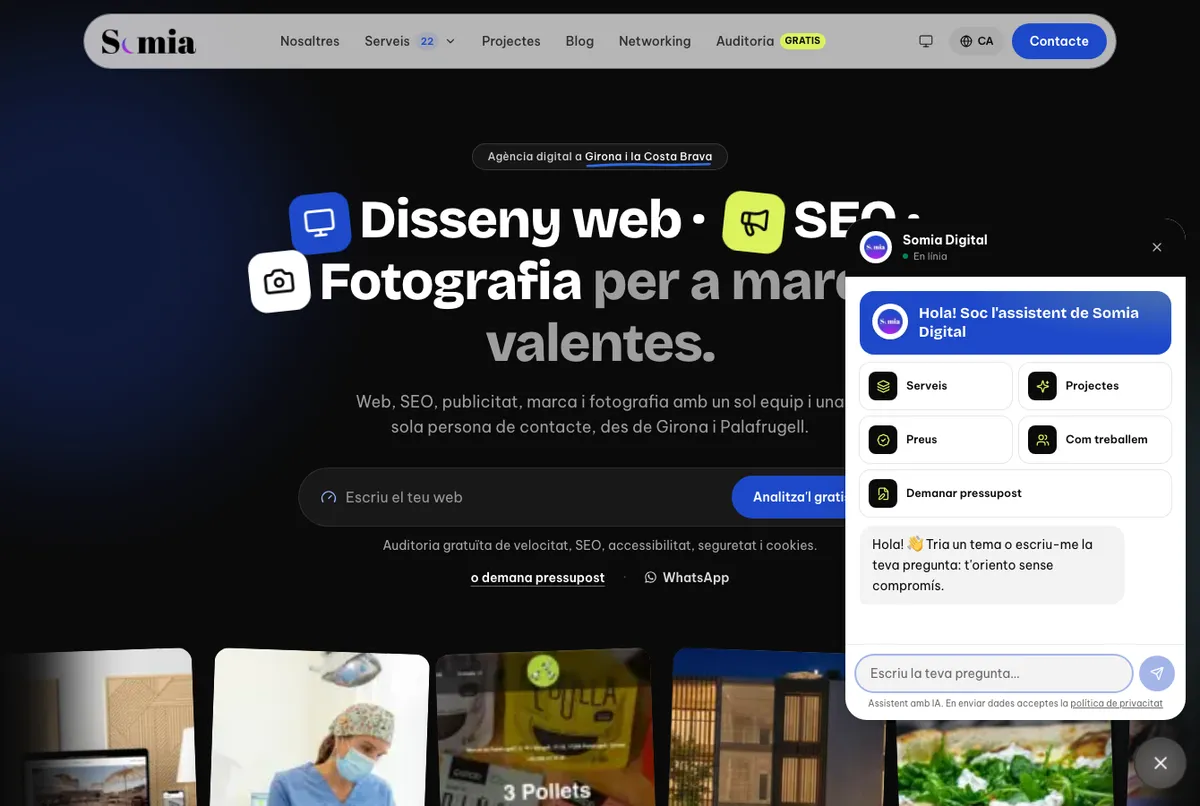
Somia DigitalDigital agency in Girona and the Costa Brava: web design, SEO, advertising, branding and photography.Welcomes the visitor with five quick topics (services, projects, prices, how they work and request a quote) and guides them with no commitment.Visit the website(opens in a new tab)
Try it here
Ask it for a service page
Ask about an InterHuge service: it opens the page with what’s included, not a paragraph.
Further reading
Connecting doesn’t mean giving access to everything
A connected assistant doesn’t see your whole database: it sees the tools we give it. Each tool is a narrow door, such as “find a product” or “check an order’s status”, with the fields it accepts and what it returns. Read-only tools can run on their own; tools that change things ask for confirmation, or for a person. To open them we use MCP, an open standard, or each app’s API, and the assistant works wherever you need it: on your website, in your app or alongside your team.
Frequently asked questions
What is MCP?
Model Context Protocol: an open standard for connecting AI assistants to data and tools. It’s one of the ways we connect the assistant; when an app has a direct API, that’s sometimes all it takes.
How is it different from an assistant that just answers?
An assistant answers with what it knows. A connected one also looks up live data and takes actions in your tools, always within the permissions we give it.
Can it do things without anyone checking?
Only the ones we decide on together. Lookups can run on their own; actions that change data or can’t be undone need a person to confirm them.
Does my data leave the company?
The assistant reads what it needs to answer, and that snippet goes through the AI model. We decide with you what gets sent and to which provider, and it’s explained in the privacy policy.
Will it work with the tools we already have?
If they have an API, a database or even spreadsheets, usually yes. We look at what’s there first and tell you what can be connected and how.
Which AI model does it use?
Gemini or Claude, both of which can use tools; if one fails, the other takes over. The tools don’t depend on the model: if the model changes one day, they don’t need rebuilding.
First stepAI connected to your tools
What work could a connected assistant do?
Tell us what data you look up daily and which tasks repeat, and we’ll say what can be connected.