/widgets-apple-watchWidgets and watch — iOS · watchOS
Widgets and Apple Watch
We bring your app to the Home Screen, the Lock Screen and the wrist, with widgets and Apple Watch.
SketchHome-screen widget
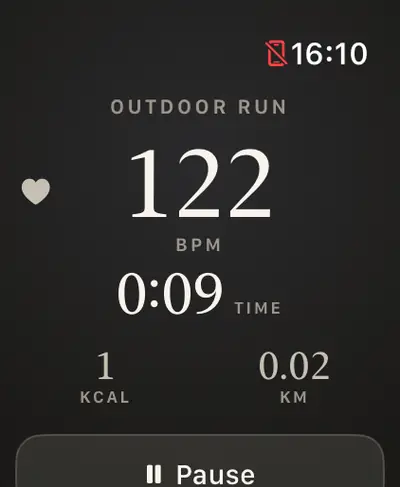
Real screenshot
Definition
What are widgets and Apple Watch apps?
Widgets are small pieces of an app that show on the iPhone’s Home Screen or Lock Screen without opening it: the next alarm, last night’s sleep, a list. An Apple Watch app, built for watchOS, brings to the wrist whatever makes sense to do there, such as following a workout live.
What’s included
The core of it
Home Screen
Small, medium and large; configurable, or with buttons that work without opening the app.
Lock Screen
Compact widgets next to the clock, no unlocking needed.
Live Activities
A workout or an alarm in the Dynamic Island, as it happens.
An Apple Watch app
watchOS and SwiftUI, for what you do on the wrist.
Phone and watch, connected
iPhone and watch send each other status and commands.
Technical audit
Does the data come from your website?
If the widget shows data from your server, the audit checks its security and performance.
Who it’s for
It’s for you if
- People open your app just to check one thing.
- You want the Lock Screen or the Dynamic Island.
- Your app suits the wrist: workouts, quick logging, alerts.
It’s not for you if
- You need second-by-second data: iOS decides when widgets update.
- No app yet: the app comes first.
How we work
Step 1: We pick the data
What your users check most and where they’d best see it.
Step 2: We design each size
Home Screen, Lock Screen, Dynamic Island or watch: each has its space.
Step 3: We connect the data
The app leaves it in a shared space and tells the widget.
Step 4: We test on devices
On the phone and the watch, in light and dark mode.
What we use
Apple’s frameworks for widgets, Live Activities and the watch.
- WidgetKit
- App Intents
- ActivityKit
- SwiftUI and watchOS
- HealthKit
What we use each tool for
- WidgetKit
- Home Screen and Lock Screen widgets.
- App Intents
- Configurable widgets and buttons that perform an action.
- ActivityKit
- Live Activities and the Dynamic Island.
- SwiftUI and watchOS
- The watch app and its iPhone link.
- HealthKit
- Workouts and health data, with each person’s permission.
Live
Strato, from phone to watch
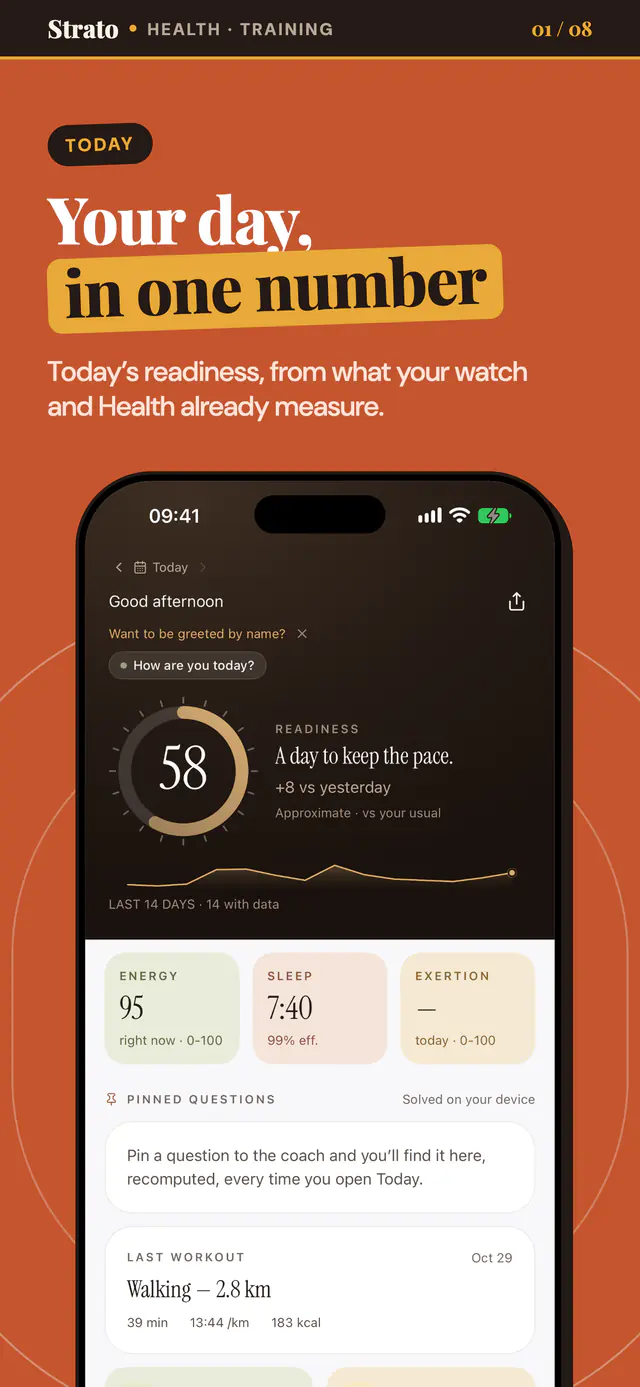
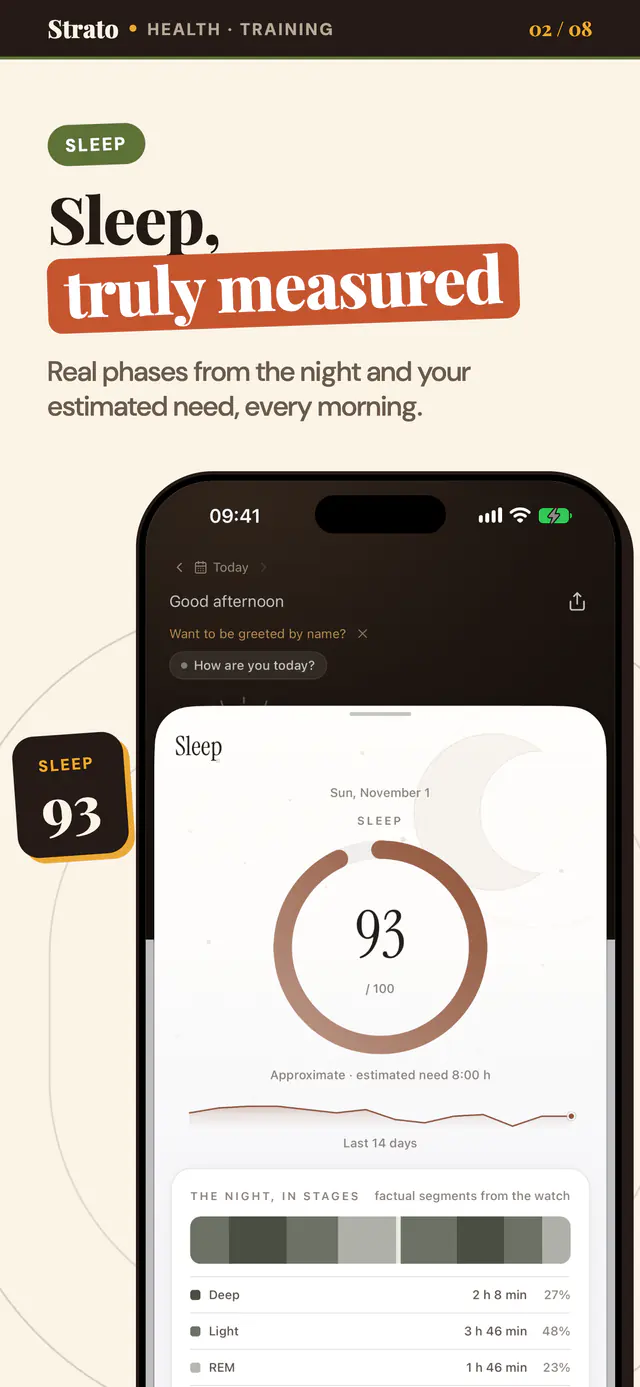
The watch app tracks workouts into Apple Health; Pattio, FactShot, WordShot, Strato and Cucut have widgets.
 Strato
Reads your sleep, steps and workouts and explains them in one screen a day; on the watch, the live session.
- Sleep and readiness
- Workouts
- iPhone · Apple Watch
Further reading
A widget isn’t a small app
A widget runs as a separate process: it can’t open the app’s database or start the app. The app leaves the data in a shared space and tells it when to read it again. After that, iOS decides when to refresh it, which is why a widget can’t follow anything second by second. That’s what Live Activities are for: they sit on the Lock Screen and in the Dynamic Island for as long as a workout lasts or an alarm rings.
Frequently asked questions
How often does a widget update?
When iOS decides, within a limited number of refreshes. The app can ask it to refresh when the data changes, but to follow something second by second there are Live Activities.
What is a Live Activity?
A live element on the Lock Screen and in the Dynamic Island that follows something as it happens, such as a workout or an alarm. It ends when the activity ends.
Can you tap a widget?
Yes: a widget can have buttons that perform an action without opening the app. In Pattio’s list widget, for example, you tick things off from the Home Screen.
Does the watch app need the iPhone?
It depends on what it does. A watchOS app can run on its own or alongside the iPhone app. In Strato, the watch follows the workout and the two send each other status and commands.
What about Android?
Android has Home Screen widgets too. The ones we’ve built are for iPhone; if your app is on Android as well, we’ll work out with you what makes sense there.
First stepWidgets and Apple Watch
Your app, at a glance?
Tell us what your users check most and we’ll say where it fits: widget, live or watch.